







Namaskaar dosto, for many smartphone users, software updates are exciting. New features, smoother performance, better battery life — everything sounds perfect until something goes terribly wrong.
And this week, that exact situation unfolded for thousands of OnePlus users around the world.
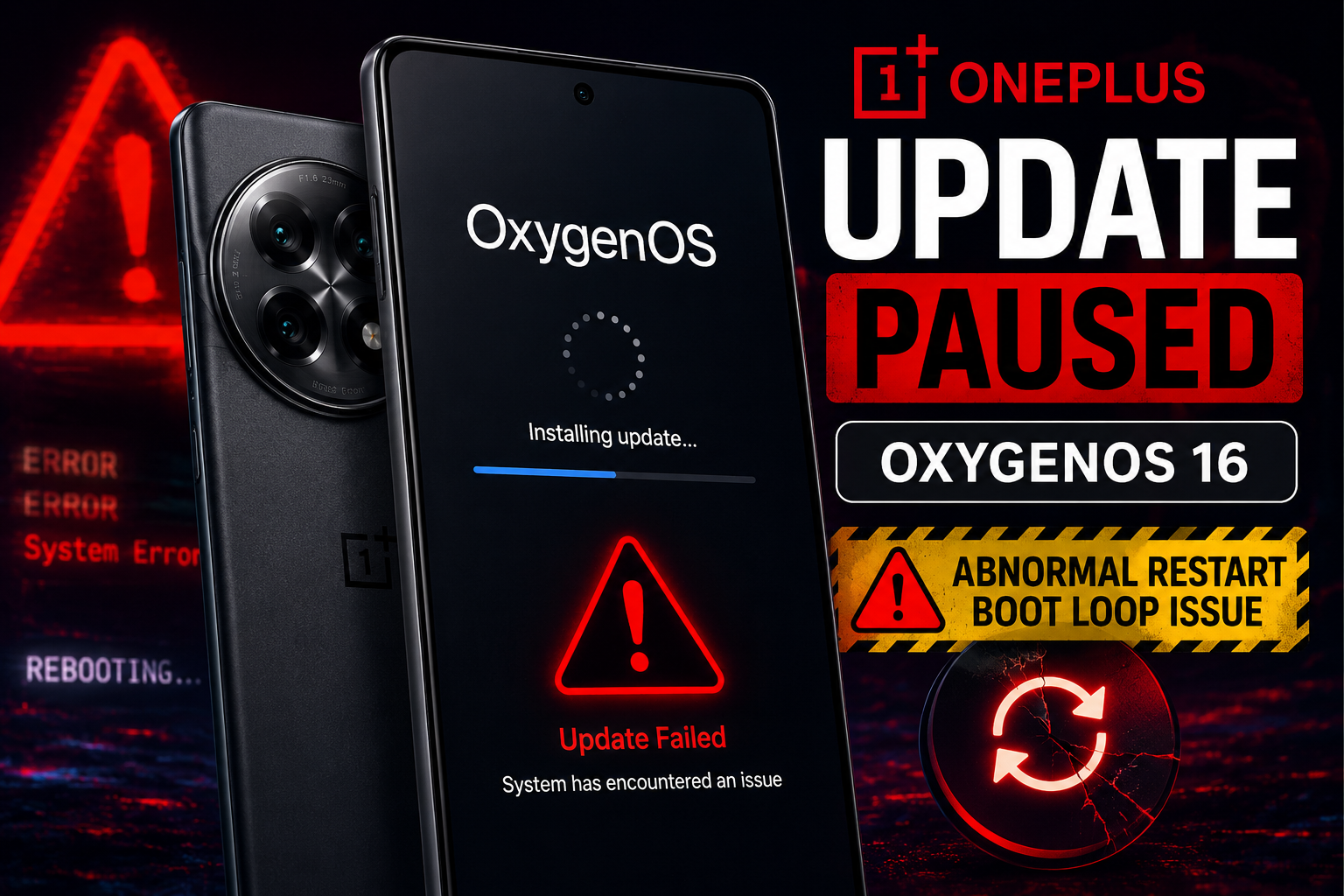
What started as a routine OxygenOS update quickly turned into panic for some users after devices began randomly restarting, freezing, and in some cases getting stuck in endless boot loops. Soon after reports started flooding online communities, OnePlus made an unexpected announcement that grabbed the attention of the entire smartphone industry.
The company officially paused the rollout of its latest OxygenOS updates.
OnePlus Finally Breaks Silence
On the official OnePlus Community forum, OnePlus released a public statement acknowledging the issue.
According to the company, a small number of devices experienced:
- Abnormal restarts
- Boot failures
- System instability
- Endless reboot loops after updating
For affected users, the experience was frustrating and scary. Imagine waking up, updating your phone normally, and suddenly your expensive smartphone becomes almost unusable.
Some users described their phones as “paperweights” after the update.
The OxygenOS Updates That Triggered the Problem
The issue appears to be linked to:
- OxygenOS 16.0.7.XXX
- OxygenOS 16.0.5.XXX
While OnePlus did not officially name every affected device, reports suggest these updates were rolling out to several popular smartphones.
Devices Likely Affected
Premium Models
| Device | Status |
|---|---|
| OnePlus 15 Series | OxygenOS 16.0.7.XXX |
| OnePlus 13 | OxygenOS 16.0.5.XXX |
| OnePlus 12 | OxygenOS 16.0.5.XXX |
| OnePlus 12R | OxygenOS 16.0.5.XXX |
Nord Series Models
| Device | Status |
|---|---|
| OnePlus Nord 5 | Certain regions |
| OnePlus Nord 4 | Potentially affected |
| OnePlus Nord CE 5 | Potentially affected |
| OnePlus Nord CE 4 | Potentially affected |
The updates had already started reaching users in countries including India and the United States before the rollout was suddenly stopped.
What Exactly Happened?
The problem reportedly begins after installation.
At first, everything looks normal:
- Update downloads successfully
- Phone restarts
- Installation completes
But then the trouble starts.
Some users reported:
- Random device restarts
- Apps crashing frequently
- Phones freezing on boot screen
- Devices endlessly rebooting
For many people, it felt like a normal software update had suddenly turned into a nightmare.
OnePlus Engineering Team Begins Emergency Investigation
After reports spread rapidly online, OnePlus confirmed that its engineering teams are actively investigating the “root cause” behind the issue.
The company also revealed:
- The rollout has been paused globally
- Engineers are testing stability
- A fix is currently under development
- Future releases will only continue after proper verification
This suggests the bug may be more serious than a small software glitch.
A Rare Public Apology From a Smartphone Brand
One interesting part of the statement was OnePlus’s tone.
Instead of ignoring complaints or staying silent, the company directly apologized to users and admitted that the situation impacted customer experience badly.
OnePlus stated that it is taking the issue “extremely seriously” and is even reviewing its internal testing and quality assurance systems to prevent similar incidents in the future.
In today’s tech world, public apologies from smartphone brands are surprisingly rare, which is why many users appreciated the transparency.
Why Software Updates Sometimes Go Wrong
Modern smartphones are incredibly complex.
Every software update must work perfectly with:
- Different processors
- Various storage configurations
- Battery optimization systems
- Carrier networks
- Thousands of installed apps
Even a tiny coding conflict can trigger massive issues after rollout.
That is why companies usually release updates gradually instead of pushing them to every device at once.
Should Users Install Future Updates Immediately?
This incident has restarted an old debate in the smartphone community.
Many tech users now prefer waiting a few days before installing major updates because:
- Early bugs are often discovered quickly
- Community feedback appears online fast
- Emergency patches may arrive later
Experts generally recommend:
- Backing up important data before updates
- Waiting for user feedback online
- Avoiding updates when battery is low
- Keeping enough free storage available
What OnePlus Users Should Do Now
If your device has not received the update yet:
- Wait patiently
- Do not manually install unofficial files
- Monitor official OnePlus announcements
If your phone is already affected:
- Avoid repeated forced restarts
- Contact official support
- Wait for the recovery patch
The company says the rollout will resume once stability and reliability are fully confirmed.
The Bigger Impact on OnePlus
OnePlus built its reputation on smooth software and fast performance. Incidents like this can damage user trust if not handled carefully.
However, many users believe the company’s quick acknowledgment and transparent communication helped reduce panic significantly.
Now the real challenge is whether OnePlus can deliver a stable fix quickly.
The paused OxygenOS rollout shows how even major smartphone companies can face unexpected software disasters.
For OnePlus users, this situation has been frustrating, especially for those whose devices became unstable after updating. But the company’s rapid response and ongoing investigation suggest that a fix may arrive soon.
Until then, patience is probably the safest option.
Because sometimes, the most dangerous thing for a smartphone is not physical damage…
It’s a software update.