






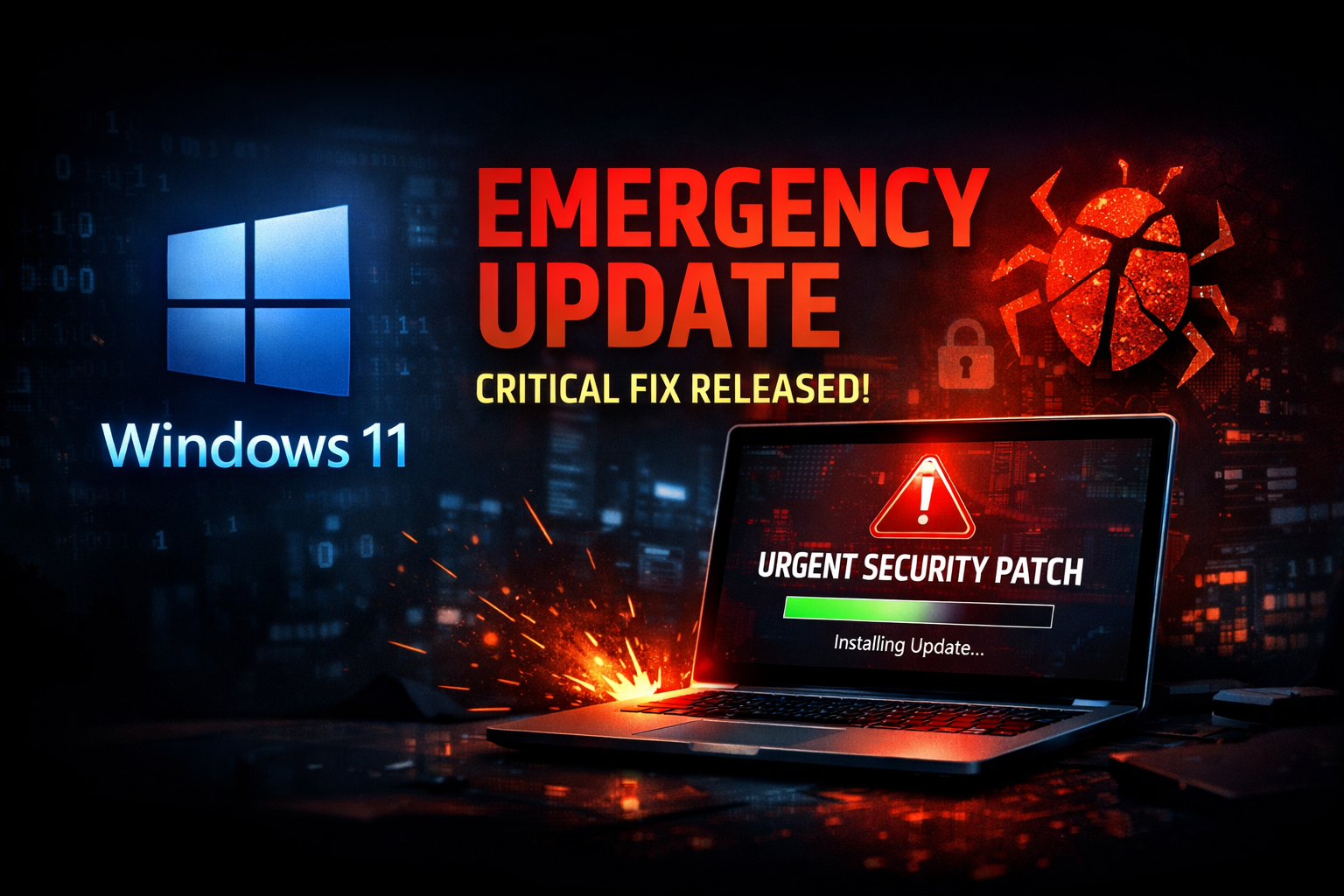
Microsoft Windows 11 is known for regular updates, but when the word “Emergency Update” comes into the picture, it instantly grabs attention. Many users recently noticed sudden patches, out-of-band updates, or quick fixes pushed by Microsoft outside the normal update schedule—and that raised a lot of questions.
So, what is this Windows 11 emergency update? Why was it released, and should you be worried? Let’s break it down.
Table of Contents
What Is a Windows 11 Emergency Update?
A Windows 11 emergency update is an unscheduled update released by Microsoft to fix critical problems that cannot wait for the regular monthly Patch Tuesday cycle.
These updates are usually released when:
- A serious security vulnerability is discovered
- A bug causes system crashes or boot failures
- Windows features suddenly stop working after a previous update
- Millions of users are affected globally
In short, emergency updates are Microsoft’s way of saying:
“This issue is serious—we need to fix it now.”
Why Did Microsoft Release an Emergency Update for Windows 11?
According to user reports and system behavior, the emergency update was aimed at fixing unexpected issues introduced by earlier updates.
Some common triggers include:
- Blue Screen of Death (BSOD) errors
- Windows not booting properly
- Taskbar, Start Menu, or File Explorer freezing
- Security loopholes actively being exploited
- Performance drops on certain hardware configurations
Microsoft closely monitors feedback through Windows Insider reports, diagnostics data, and enterprise complaints. When an issue spreads fast, an emergency update becomes unavoidable.
Problems Users Were Facing Before the Update
Many Windows 11 users reported issues such as:
- Random system restarts
- Apps failing to open after login
- Windows Update getting stuck
- Slow performance on SSD-based systems
- Compatibility problems with antivirus or drivers
For regular users, this felt frustrating—especially for people who rely on Windows 11 for work, studies, or content creation.
What Does the Emergency Update Fix?
While emergency updates usually don’t bring new features, they focus heavily on stability and security.
The Windows 11 emergency update mainly focuses on:
- Fixing critical system bugs
- Improving system stability
- Closing high-risk security vulnerabilities
- Restoring broken Windows services
- Improving compatibility with drivers and third-party software
These fixes help ensure that users can continue using their systems without fear of crashes or data loss.
Is the Emergency Update Mandatory?
In most cases, yes.
If Microsoft marks an update as critical:
- It may install automatically
- It may appear as a “priority update”
- Skipping it can leave your system vulnerable
For security-related fixes, Microsoft strongly recommends installing the update as soon as possible.
How to Check If You Received the Windows 11 Emergency Update
You can easily verify this by following these steps:
- Go to Settings
- Click on Windows Update
- Select Update history
- Look for recently installed quality updates
If your system is already updated, you’re safe and protected.
Does This Mean Windows 11 Is Unstable?
Not at all.
Emergency updates do not mean Windows 11 is failing. In fact, they show the opposite—Microsoft is actively monitoring problems and responding quickly.
Modern operating systems are complex, and occasional issues are unavoidable. What matters is how fast they’re fixed—and Microsoft usually acts quickly when large-scale problems appear.
Should You Be Worried About Data Loss?
In most cases, no.
Emergency updates:
- Do not delete personal files
- Do not reset your system
- Do not affect installed apps (unless related to the bug)
Still, it’s always smart to keep a backup—just good tech hygiene.
Expert Tip: How to Stay Safe During Windows Updates
To avoid future issues:
- Keep automatic updates enabled
- Avoid interrupting updates during installation
- Update drivers from official sources
- Don’t delay critical security patches
A well-updated system is a safer and smoother system.
Why This Update Matters for Businesses and Creators
For professionals, even a small Windows bug can cause:
- Missed deadlines
- Productivity loss
- System downtime
That’s why emergency updates are especially important for:
- Businesses
- Freelancers
- YouTubers
- Bloggers
- Developers
Stability is everything—and Microsoft knows that.
A Necessary and Timely Fix
The Microsoft Windows 11 emergency update is a reminder that software security and stability are ongoing processes. While bugs can appear unexpectedly, fast action helps protect millions of users worldwide.
If your system feels smoother after the update, that’s not a coincidence—it’s exactly what emergency patches are designed to do.
Windows 11 continues to evolve, and updates like these ensure it stays reliable, secure, and ready for the future.
– My Tech Flip 🚀